01
Prepare the longer version
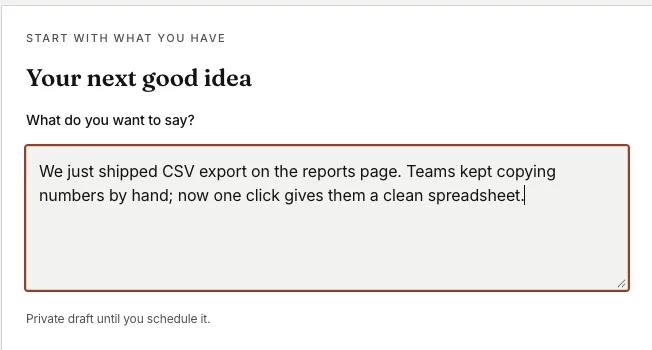
Start with a release note, launch detail, or lesson from building. Keep the original context close while you edit the LinkedIn post.
LinkedIn publishing workflow
Turn a product release or lesson into a fuller LinkedIn version, choose when it should go out, and follow its status.
01
Start with a release note, launch detail, or lesson from building. Keep the original context close while you edit the LinkedIn post.
02
Choose a connected LinkedIn account and select a date and time in looktme when scheduling is available.
03
Check whether the post is scheduled, published, or needs attention. Delivery depends on your account connection and LinkedIn availability.
looktme is not affiliated with or endorsed by LinkedIn or X.